Free shipping Australia-wide Free XTap software included No monthly lock-in Built for local businesses

More reviews.
Higher ratings.
Stronger business.

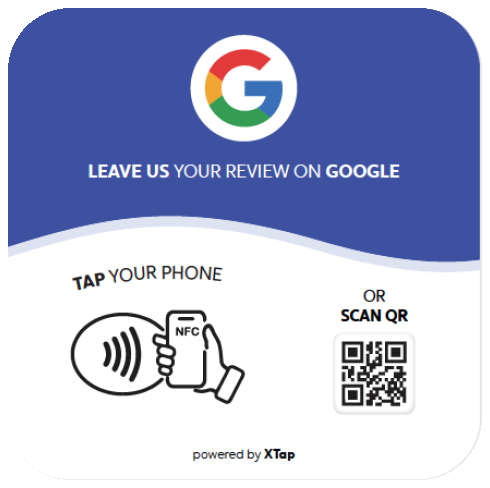
Tap or scan to leave a review on Google.

Tap or scan
Leave a review
on Google
Help others and
grow together
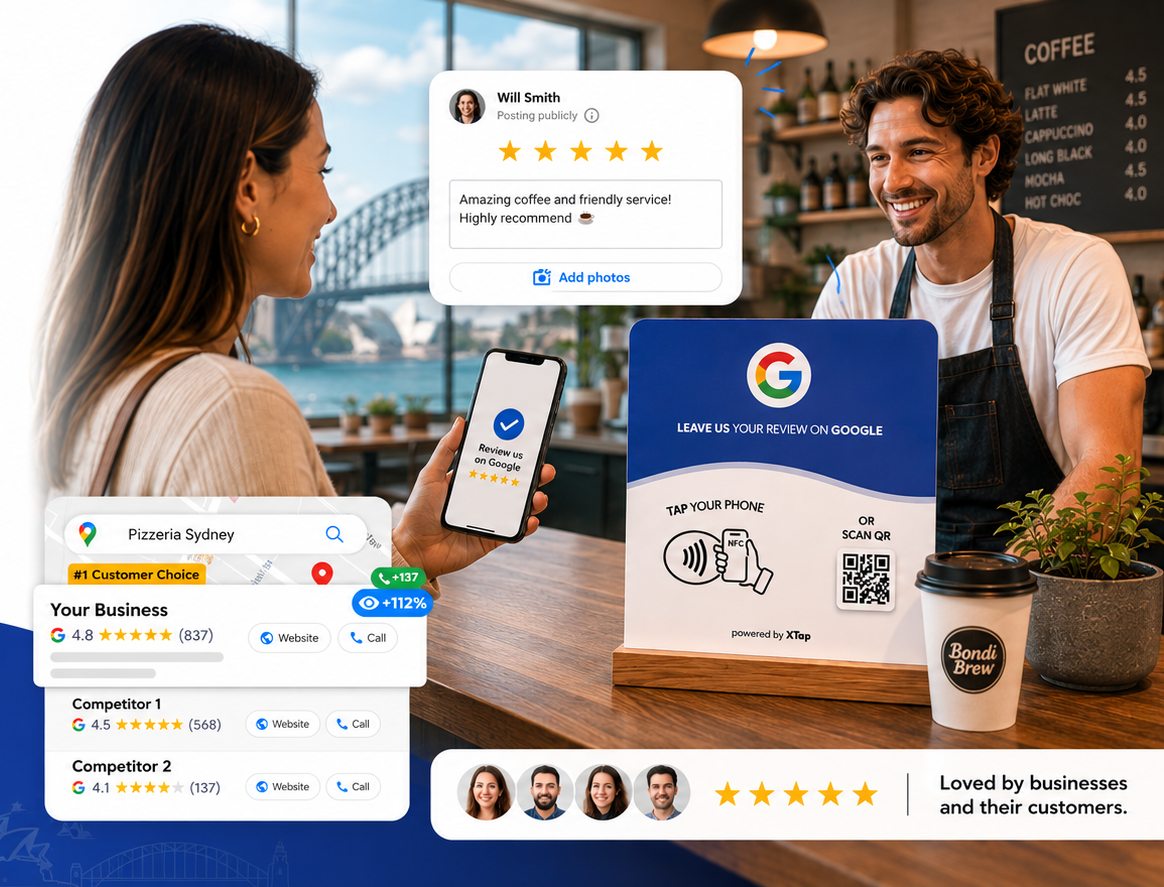
Cafe customer leaving a Google review with XTap review card and rating proof cards
10k+Australian businesses served
50k+5-star review moments generated
4.8Target rating experience
5 minTypical setup time

Set it up in 20 seconds after receiving it.

No complicated install. Scan the activation code, connect your Google review link, and put XTap where happy customers can see it.

1
QR
Scan the XTap QR code to start setup

Step 1: Scan the QR code →

When you receive the plate, scan the QR code to open your setup page.

2
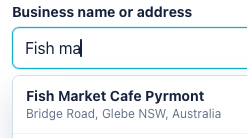
Search for your business name or address

Step 2: Activate your card →

Enter the activation code, add your Google review link, and connect the card to your XTap dashboard.

3
Google 5-star review

Step 3: You're ready!

Place it on the counter or hand it to customers. You are ready to collect your first reviews.

Why XTap is more than a review card.

From faster tap response to premium production and smarter business tools, XTap is built to help every customer moment turn into real growth.

More responsive NFC chip

We use a more advanced NFC chip so the tap experience feels faster, smoother, and easier for customers.

Premium print finish

Higher-grade printing and production create a clear, durable, polished card that looks right in your business.

Powerful management system

Manage links and cards, review performance, analyze activity, and get optimization ideas from one dashboard.

More promotion services

We also support broader business promotion, from review growth to online presence, campaigns, and local marketing.

What business owners care about most.

Simple setup, better customer prompts, and clearer insight into what is actually driving reviews.

★★★★★

"The card made review collection feel professional instead of pushy. Customers know exactly what to do."

Sarah M.Cafe owner
★★★★★

"Setup was quick, and the card looks clean on our front counter. We started seeing more reviews within the first week."

Daniel K.Restaurant manager
★★★★★

"The NFC tap is fast. Customers do not need instructions, which makes it much easier for our team."

Priya S.Dental practice
★★★★★

"We finally know which locations are getting taps and which teams need more support."

James T.Clinic operator
★★★★★

"The print quality is better than the generic cards we tried before. It feels like part of our brand, not an afterthought."

Olivia W.Salon owner
★★★★★

"It is more than a card. The dashboard is what made the whole process stick for us."

Emily R.Beauty studio
★★★★★

"Our staff can simply point to the card after a good service moment. It feels natural and takes no extra training."

Michael B.Auto service
★★★★★

"The QR backup is useful because every customer can still open the review page, even if they do not tap."

Amy L.Retail store
★★★★★

"We put one at reception and one near checkout. The whole experience looks neat and consistent."

Ben C.Physio clinic
★★★★★

"Customers understand it instantly. That small difference made review asking much less awkward."

Nina P.Medispa owner
★★★★★

"The reporting helped us see which branch needed a better handover script. Simple, but very useful."

Chris H.Multi-site operator
★★★★★

"It looks premium on the counter and gives customers a clear next step after a positive visit."

Laura G.Hotel reception

Frequently asked questions.

How does XTap help us collect Google reviews?

Customers tap the NFC card or scan the QR code, then go directly to your chosen review link. It removes extra steps and gives your team a simple, professional review prompt.

Do customers need to download an app?

No. The experience opens in the customer's browser. They can tap or scan with their own phone, and no XTap app is required.

Does it work with both iPhone and Android?

Yes. Modern iPhone and Android devices can use NFC, and every card also includes a QR code so older phones can still open the same review journey.

How long does setup take after I receive it?

Most businesses can activate a card in minutes. Scan the setup code, search or enter your business details, connect your Google review link, and place the card where customers can see it.

Can I change the link later?

Yes. You can update where your card points from the XTap dashboard, including Google reviews, social profiles, offers, landing pages or other customer journeys.

Can I use XTap for multiple locations?

Yes. You can set up cards for different locations, teams or counters, then manage them from one account and compare performance where needed.

Is the management system included?

Yes. XTap includes dashboard tools for managing cards and links, viewing activity, tracking performance and improving how your team asks for reviews.

Can the card be customised for my business?

Yes. We can support customised cards and business promotion materials depending on the package and quantity. Contact us if you need branded artwork or a custom setup.

Where should I place the card?

Place it where positive customer moments happen: checkout counters, reception desks, treatment rooms, tables, handover areas or beside your payment terminal.

What if I need help after ordering?

Our team can help with setup, link changes, business search issues and general troubleshooting so you can start collecting reviews confidently.